
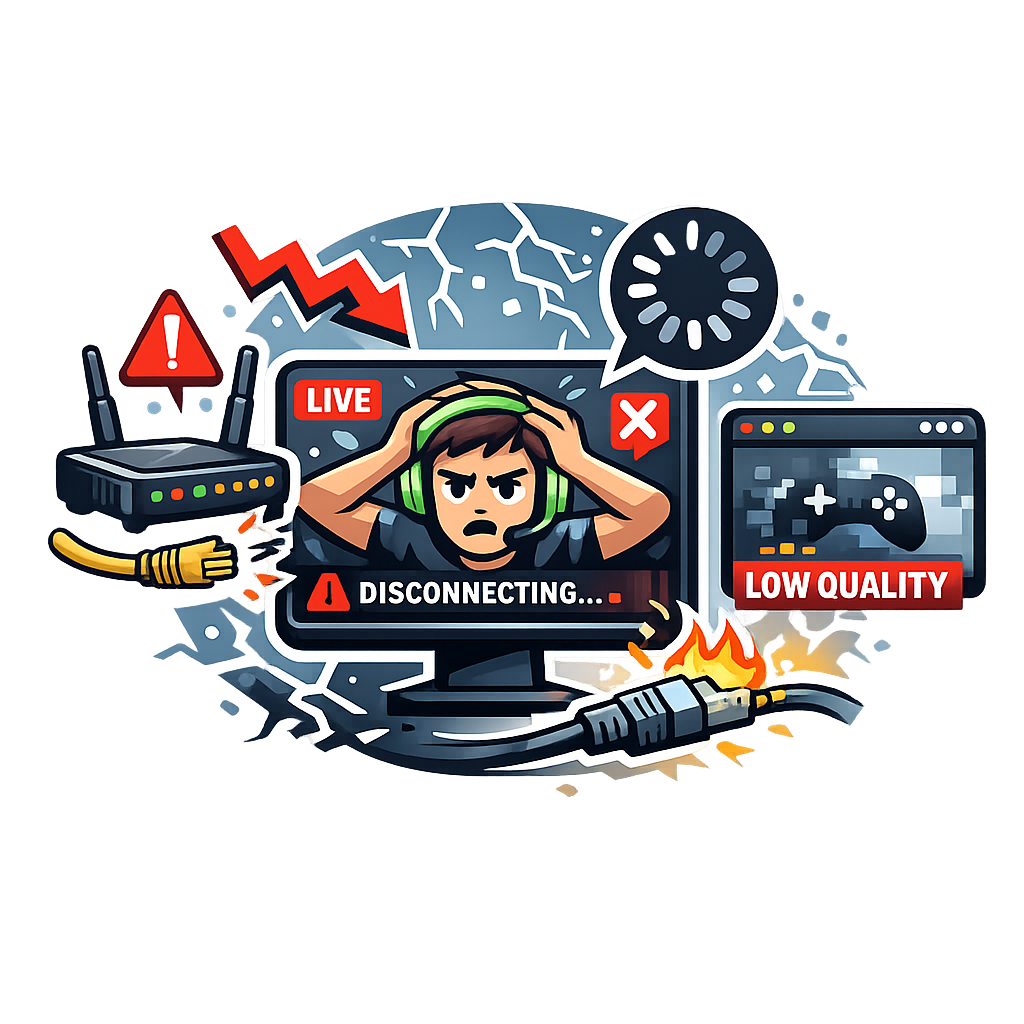
Why Your Internet Is Sabotaging Your Stream (And How to Fix It)
A real-world guide for streamers who want stable, clean, professional streams
Introduction: Your Stream Is Only as Strong as Your Internet
You can have the best camera, the cleanest overlays, and the perfect audio setup, but if your internet connection sucks, your stream will too. Buffering, pixelation, bitrate drops, audio desync, and disconnects all come from one place:
Your network is failing you.
This article breaks down exactly why it happens and how to fix it without wasting money or guessing blindly.
1. Upload Speed Matters More Than Download
Most people look at their download speed first, but for streaming, download barely matters.
Streaming depends on upload. Twitch, YouTube, Kick, they all require a stable upload to send your video out.
Minimum upload speeds
- 720p: 5 Mbps
- 1080p: 8–12 Mbps
- 1440p: 15–20 Mbps
- 4K: 25+ Mbps
But here’s the catch:
You need double your streaming bitrate to stay stable.
If you stream at 6000 Kbps (6 Mbps), you want at least 12 Mbps upload to avoid drops.
2. Wi‑Fi Is Killing Your Stream
Wi‑Fi is convenient, but it’s unstable for streaming.
Why Wi‑Fi sucks for streamers
- Interference from walls
- Other devices stealing bandwidth
- Signal fluctuations
- Random drops
- Latency spikes
Fix
- Use Ethernet
- If you can’t, use 5 GHz Wi‑Fi, not 2.4 GHz
- Keep your router in the same room
- Avoid mesh systems for streaming PCs
Ethernet is king. Everything else is a compromise.
3. Your Router Might Be the Real Problem
Most ISP‑provided routers are trash.
Signs your router is failing
- Random disconnects
- Bitrate bouncing
- Devices dropping off
- Slow speeds even close to the router
Fix
Upgrade to a real router:
- ASUS
- TP‑Link
- UniFi
- Netgear Nighthawk
Even a $60 router can outperform ISP hardware.
4. Bitrate Settings Can Make or Break Your Stream
If your bitrate is too high for your connection, your stream will choke.
Safe bitrate ranges
- 1080p60: 6000–8000 Kbps
- 1080p30: 4500–6000 Kbps
- 720p60: 3500–4500 Kbps
- 720p30: 2500–3500 Kbps
Fix
- Lower bitrate until stable
- Use CBR (Constant Bitrate)
- Set keyframe interval to 2
- Use NVENC or AMF if available
Stability > quality. A stable 720p looks better than a broken 1080p.
5. Your ISP Might Be Throttling You
Some ISPs throttle upload during peak hours.
Symptoms
- Stream drops only at night
- Speed tests fluctuate
- Upload tanks randomly
- Everything else works fine
Fix
- Run speed tests at different times
- Contact ISP support
- Ask for a line check
- Upgrade your plan if needed
If your ISP sucks, no settings can fix it.
6. Background Devices Are Stealing Your Bandwidth
Your stream competes with everything else on your network.
Bandwidth hogs
- Game updates
- Cloud backups
- Netflix
- Smart TVs
- Phones
- Other PCs
Fix
- Pause downloads
- Limit bandwidth on other devices
- Use QoS (Quality of Service) on your router
- Put your streaming PC on a priority lane
Your stream should always get first dibs.
7. Your PC Might Be Overloading the Network
NDI, dual‑PC setups, and high‑resolution captures can flood your LAN.
NDI issues
NDI can push 100–200 Mbps across your network.
Fix
- Use “Lowest” or “Medium” bandwidth mode
- Use a dedicated gigabit switch
- Avoid Wi‑Fi for NDI
- Use hardware encoding
If your LAN is choking, your stream will too.
8. Packet Loss — The Invisible Stream Killer
You can have fast internet and still have a terrible stream.
Symptoms
- Bitrate drops
- Stutters
- Pixelation
- Random disconnects
Fix
- Run a packet loss test
- Replace old Ethernet cables
- Check router logs
- Restart modem
- Contact ISP
Packet loss is often a wiring or ISP issue.
Conclusion: Fixing Your Stream Starts With Fixing Your Internet
Your stream quality isn’t just about OBS settings, it’s about the stability of the connection behind it. If you understand how upload speed, routers, Wi‑Fi, bitrate, and network load affect your stream, you can fix problems before they ruin your content.
A stable stream looks professional. A stable stream keeps viewers. A stable stream keeps you sane.
And with the right setup, your internet will finally stop sabotaging your stream.